Documentation

The Github Pro Documentation Page
Creating a website with Github Pages Pro
About GitHub Pages Pro
GitHub Pages Pro is a updated version of GitHub Pages witch is a site hosting service that takes HTML, CSS, and JavaScript files straight from a repository on GitHub, optionally runs the files through a build process, and publishes a website. You can see a site demo of pages pro here: Link
You can host your site on GitHub’s github.io domain or your own custom domain. For more information, see Creating Custom Domains/URL(S)
To get started, see Creating a Site located below
Organization owners can disable the publication of GitHub Pages sites from the organization’s repositories. For more information, see “Managing the publication of GitHub Pages sites for your organization.”
Types Of Websites
There are three types of GitHub Pages sites: project, user, and organization. Project sites are connected to a specific project hosted on GitHub, such as a JavaScript library or a recipe collection. User and organization sites are connected to a specific GitHub account.
To publish a user site, you must create a repository owned by your user account that’s named <username>.github.io. To publish an organization site, you must create a repository owned by an organization that’s named <organization>.github.io. Unless you’re using a custom domain, user and organization sites are available at http(s)://<username>.github.io or http(s)://<organization>.github.io.
The source files for a project site are stored in the same repository as their project. Unless you’re using a custom domain, project sites are available at http(s)://<username>.github.io/<repository> or http(s)://<organization>.github.io/<repository>.
If you publish your site privately, the URL for your site will be different. For more information, see “Changing the visibility of your GitHub Pages site.”
For more information about how custom domains affect the URL for your site, see “About custom domains and GitHub Pages.”
You can only create one user or organization site for each account on GitHub. Project sites, whether owned by an organization or a user account, are unlimited.
Jeykll Engine
Pages Pro will use the Jekyll Engine for Obviouse Reasons! Check out the Jekyll Engine for more info about the engine! You can find the _config.yml, index.md, and default.html in .Jekyll! or in the main source!
Creating a Site!
You Can Create A Site Using a New Repostiry OR An Exsiting One!
Note: You must make sure that No Github Pages brance-or site on the repostory. If using a exsitsing one!
Creating a Repostiry for Pages! (Skip)
If your site is an independent project, you can create a new repository to store your site’s source code. If your site is associated with an existing project, you can add the source code to that project’s repository, in a /docs folder on the default branch or on a different branch. For example, if you’re creating a site to publish documentation for a project that’s already on GitHub, you may want to store the source code for the site in the same repository as the project.
If the account that owns the repository uses GitHub Free or GitHub Free for organizations, the repository must be public.
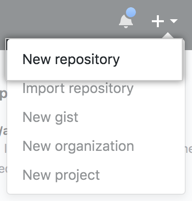
- In the upper-right corner of any page, use the drop-down menu, and select New repository.
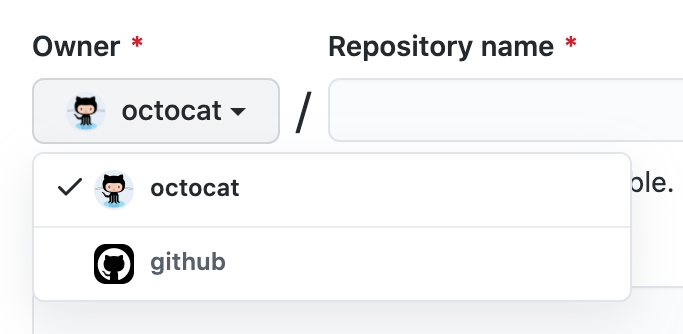
- Use the Owner drop-down menu, and select the account you want to own the repository.
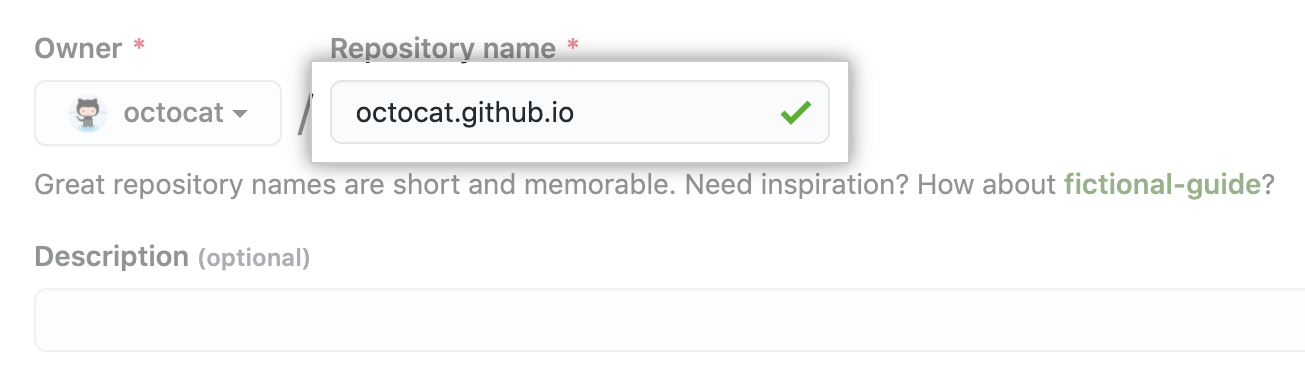
- Type a name for your repository and an optional description. If you’re creating a user or organization site, your repository must be named
.github.io or .github.io. If your user or organization name contains uppercase letters, you must lowercase the letters. For more information, see [About GitHub Pages](https://github.com/kadedevteam/Pages-Guides/blob/gh-pages/creating-site.md#about-github-pages-pro)
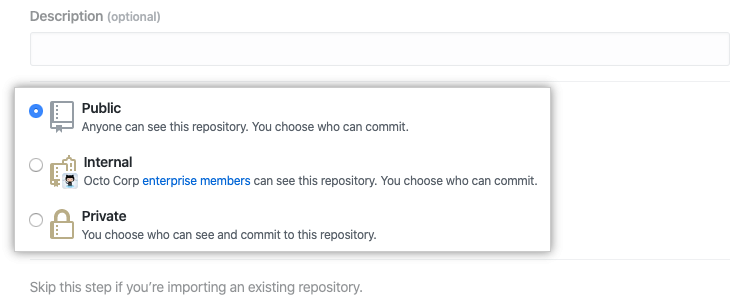
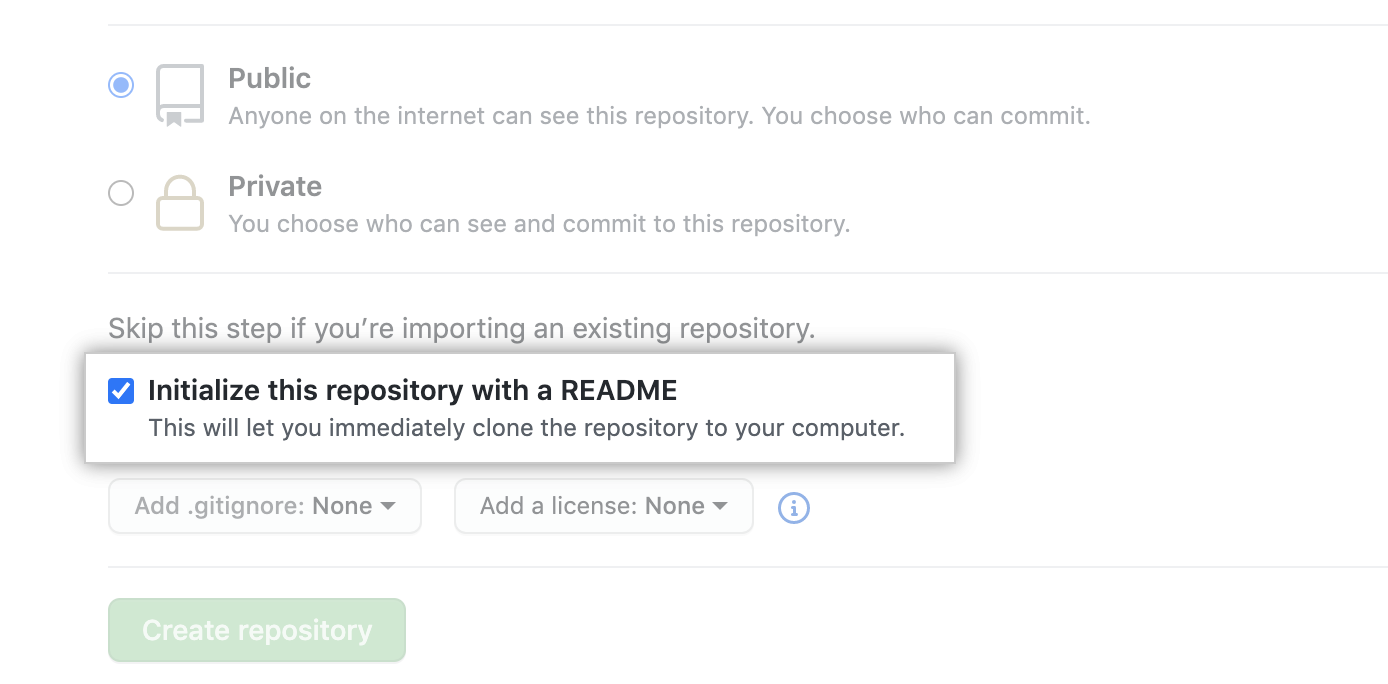
- Choose a repository visibility.
- Select Initialize this repository with a README.
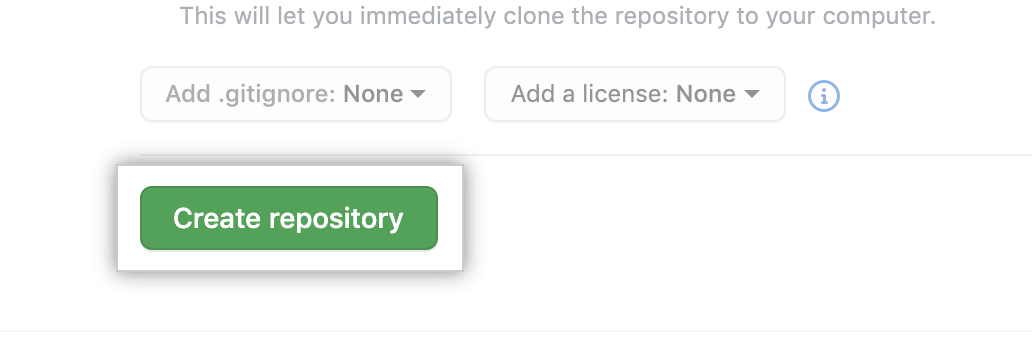
- Click Create repository.
Setting up site
- On GitHub, navigate to your site’s repository.
- Make sure you have no gh-pages branches! or github pages enabled at all
- Now go to Settings
- While in settings scroll down to Pages and then create a branch and name it
gh-pro - Then Follow Setting Up Github Pages Pro Guide
- And Your Done!
Next Step
Check out the Doccumentation Page for more guides